
Bluescape Electron app
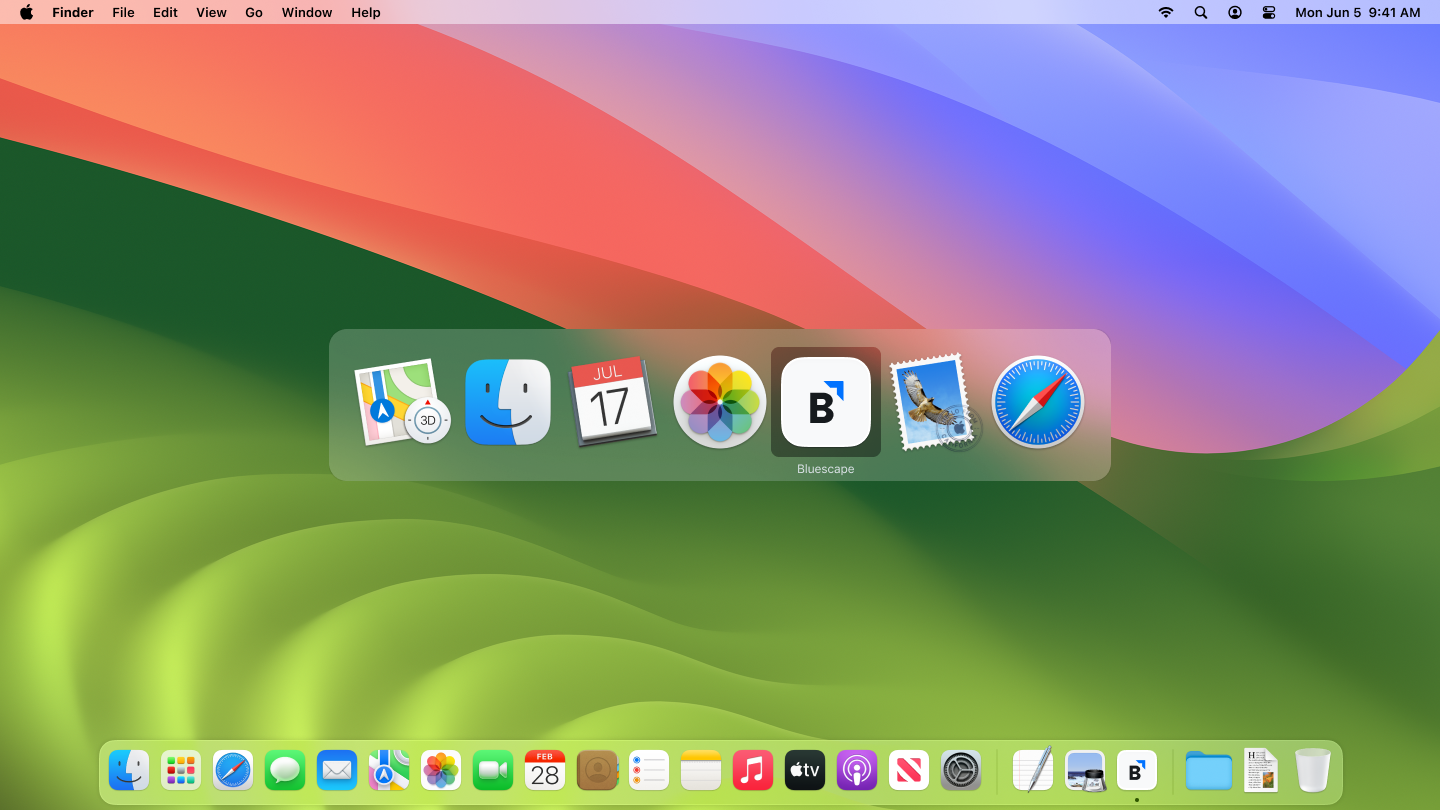
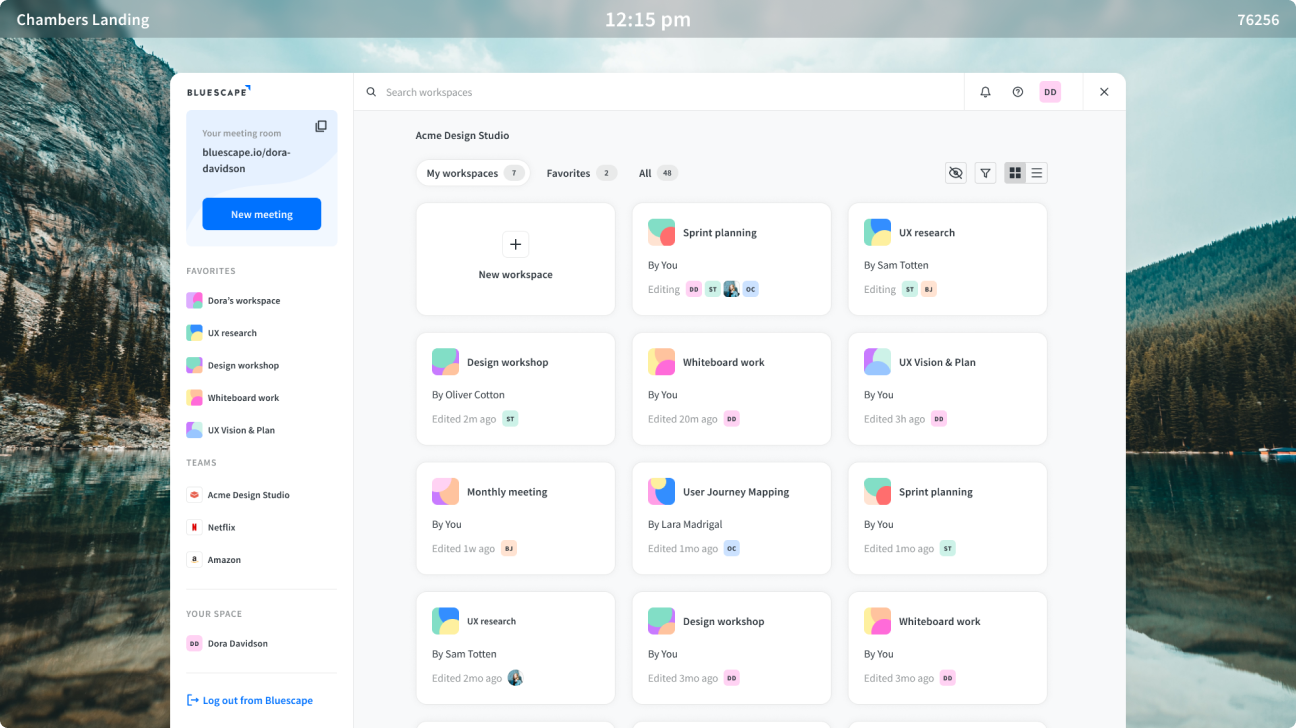
The Bluescape Electron app was a standalone Windows client that matched the web platform's capabilities. But its real significance was what it unlocked: by decoupling the Bluescape experience from proprietary hardware, it opened an entirely new category of deployment and created a sales motion the product had never had before.
The Challenge
Bluescape's large-format touchscreen experience had previously required proprietary hardware: the software came preloaded on the device, and the whole unit shipped together as one. This was a significant barrier. Customers couldn't use their own monitors. Sales cycles were complicated by hardware procurement. And the product was locked out of enterprise environments where IT controlled the hardware stack.
The opportunity was to build a software client that could run on any Windows machine, from a standard desktop to a small-form-factor PC like an Intel NUC attached to any large-format monitor the customer already owned. One app. Any hardware.
My Role
This was a ground-up design effort. There was no existing app to iterate on. We were bringing a new product category to market from zero. My job was to design the interaction model from scratch, while ensuring the experience felt consistent with both the Bluescape web platform and the mobile app that enterprise customers already knew.
The Process
Defining What Needed to Change
The Electron app intentionally mirrored the web platform's feature set. Parity was correct here: the app's role was a deployment vehicle, not a distinct product. What changed was the interaction model. These devices were primarily used as large-format touchscreen monitors in conference rooms, running off small headless PCs attached to the back of the display. Cursor-driven UI patterns from the web don't transfer cleanly to a screen you're touching with your fingers while standing up.
Adapting for Touch and Scale
Hit zones had to grow. Navigation patterns had to accommodate fingers rather than cursors. Keyboard input (via external keyboard or on-screen) needed to integrate naturally. The challenge was making those adaptations without creating an experience that felt inconsistent with the web platform, because many users moved between both.
The reference point that helped most wasn't the web. It was mobile. Users already knew how to interact with touch interfaces from their phones and tablets. Making the wall client interaction model congruent with the mobile experience meant borrowing established conventions rather than inventing new ones. That decision shortened the learning curve significantly and set the foundation for the more sophisticated touch work that followed.
Outcomes
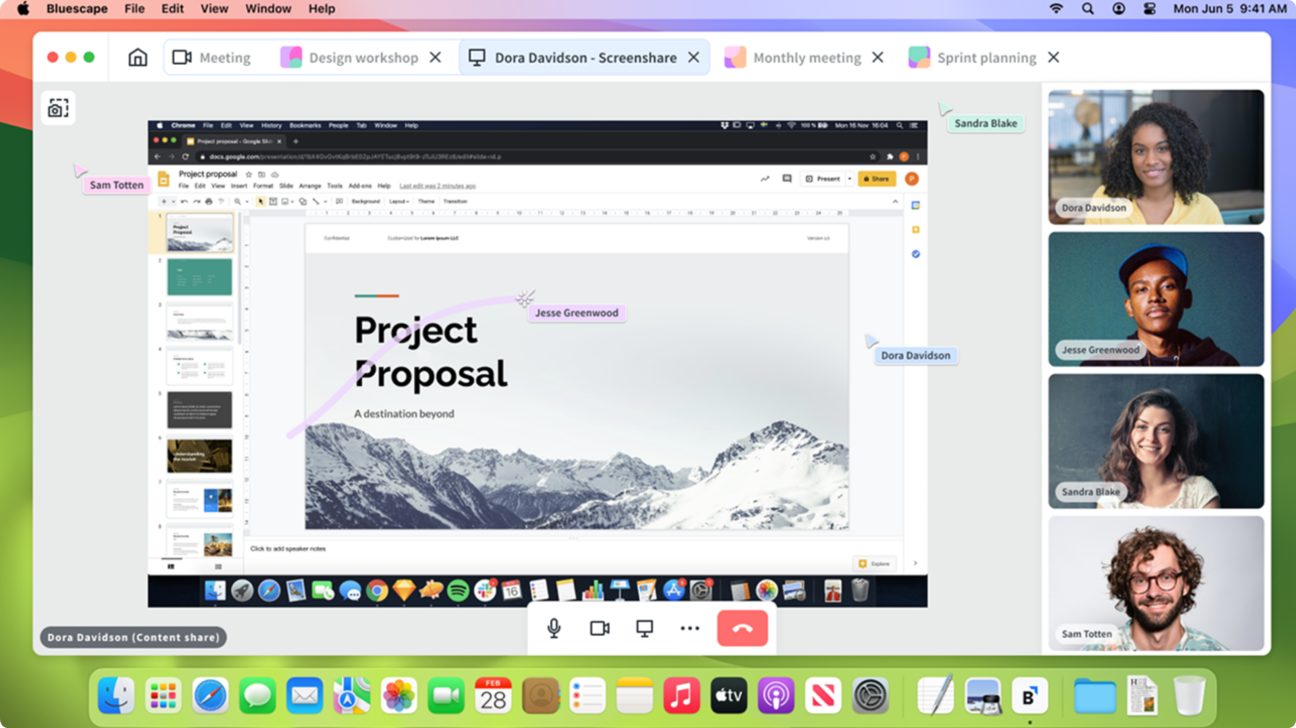
The Electron app eliminated the dependency on proprietary hardware bundles. Customers could deploy Bluescape on their own Windows infrastructure, using monitors they already owned. For enterprise IT departments, this was a significant shift. Procurement became a software decision rather than a hardware one. It opened the product to a category of deployment that hadn't previously been possible, and created the foundation for the more refined touch-screen interaction work that came after it.
Reflection
Designing a product that doesn't exist yet forces a kind of clarity that iteration doesn't. Without an existing interface to anchor against, every decision is explicit. You can't fall back on "that's how it's always worked." The Electron app was the first time I worked at the intersection of desktop and large-format touch design, and it established the principles (congruency with mobile, touch- first hit zones, reachability as a constraint) that shaped all the wall client work that followed.